
Click Speed Test Measure Your
CPS Instantly
Measure your clicks per second (CPS) with our professional clickspeed test. Perfect for gamers, esports athletes, and anyone who wants to improve their clicking skills.
⚡ Click Speed Test
Test your clicking speed and improve your CPS
Click here to start!
1M+
Tests Taken
14.1
Record CPS
100%
Free Forever
Key Features
Why Choose Our Click Speed Test
Built for gamers, designed for everyone. Our tool offers the most accurate and feature-rich click speed testing experience.
Accurate CPS Measurement
Our precision algorithm calculates your exact clicks per second with millisecond accuracy for reliable results every time.
Multiple Test Durations
Choose from 1s, 5s, 10s, 30s, 60s, or 100s tests to match your training needs and preferences.
Real-Time Statistics
Watch your live CPS, total clicks, and performance rank update instantly as you click during the test.
Mobile Friendly
Fully responsive design works perfectly on phones, tablets, and desktops for testing anywhere, anytime.
Instant Results
Get your CPS score, click count, and performance ranking immediately after each test with no waiting.
100% Free & Private
No registration required, no data collection, and completely free to use. Your privacy is guaranteed.
How It Works
Simple Steps to Test Your Speed
Getting started is easy. Follow these four simple steps to measure and improveyour clicking speed.
Select Duration
Choose your preferred test duration from 1 second to 100 seconds based on your testing goals.
Start Clicking
Click inside the test area to start. The timer begins with your first click and counts down.
View Results
When time runs out, see your total clicks, CPS score, and performance ranking instantly.
Improve & Repeat
Practice different clicking techniques, track your progress, and aim for higher scores!
Benefits
Why Click Speed Matters
Whether you’re a competitive gamer or just want to improve your skills, faster clicking provides real advantages.
Enhance Gaming Performance
Faster clicking gives you a competitive edge in PvP games, building battles, and combat scenarios.
Improve Hand-Eye Coordination
Regular practice enhances your reflexes and coordination between visual perception and motor response.
Perfect for Minecraft PvP
Higher CPS means more hits in sword fights and faster block placing for competitive play.
Track Your Progress
Monitor your improvement over time and set new personal records with consistent practice.
Better FPS Accuracy
Improved clicking control translates to better trigger discipline and spray control in shooters.
Dominate Click-Based Games
Excel in idle clickers, rhythm games, and any game that rewards fast, accurate clicking.
Test Modes
Different Clicking Techniques
Explore various clicking methods used by gamers worldwide. Each technique offers different speed potential.
Easy
Regular Click Test
Standard clicking test using your normal clicking technique. Great for beginners and general practice.
Typical Speed: 6-8 CPS
Advanced
Jitter Clicking
Vibrate your arm and hand to click rapidly. Advanced technique used by pro gamers for higher speeds.
Typical Speed: 10-14 CPS
Expert
Butterfly Clicking
Use two fingers alternating on the mouse button. Fastest clicking method but requires practice.
Typical Speed: 15-25 CPS
Expert
Drag Clicking
Drag your finger across the mouse button to register multiple clicks. Hardware dependent technique.
Typical Speed: 20-100+ CPS
Medium
Kohi Click Test
Named after the popular Minecraft server. Tests sustained clicking over longer periods.
Typical Speed: 8-12 CPS
Easy
Medium
Spacebar Test
Test how fast you can press your keyboard's spacebar. Great for rhythm games and typing speed.
Typical Speed: 8-15 CPS
Pro Tips
Improve Your Click Speed
Follow these expert tips to increase your CPS and become a faster clicker. Small improvements in technique and equipment can lead to significant gains.
Pro Tip
The average person clicks at 6-7 CPS. With proper technique and practice, most people can reach 10-12 CPS within a few weeks. Pro gamers often achieve 14+ CPS!
Use a Gaming Mouse
Gaming mice have lower click latency and better switches. Look for mice with less than 1ms response time and quality Omron or optical switches.
Optimize Mouse Settings
Disable mouse acceleration in your OS settings. Use a polling rate of 1000Hz for the most responsive clicking experience.
Position Your Hand Correctly
Rest your palm on the mouse pad for stability. Keep your clicking finger relaxed and use short, quick movements from your wrist.
Practice Regularly
Like any skill, clicking speed improves with consistent practice. Start with 5-10 minutes daily and gradually increase duration.
Warm Up Before Testing
Do a few practice rounds before your main test. This helps your muscles warm up and typically results in better scores.
Try Different Techniques
Experiment with jitter clicking, butterfly clicking, or drag clicking. Different techniques work better for different people.
Gallery
Click Speed Visual Guide
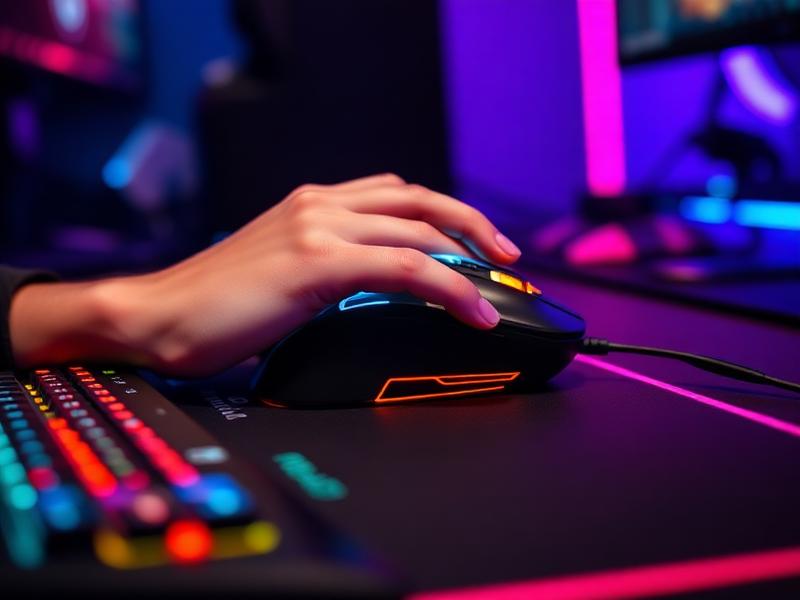
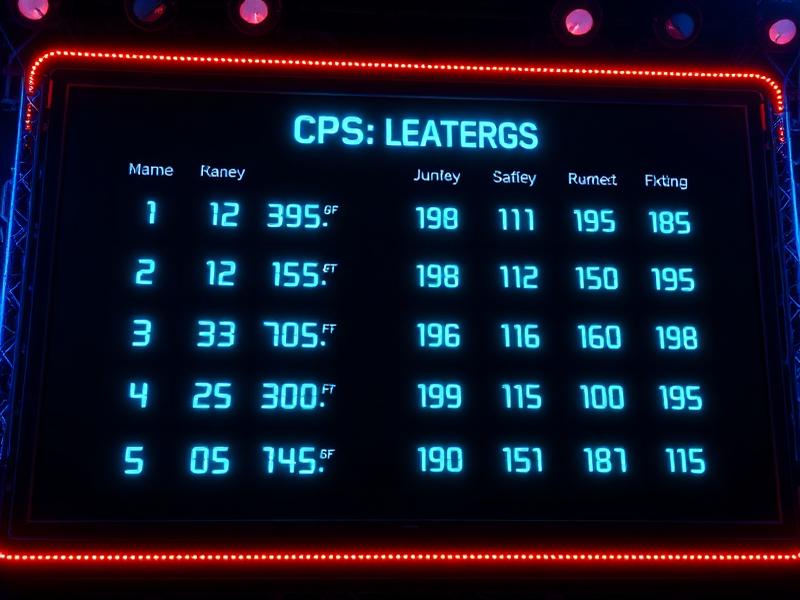
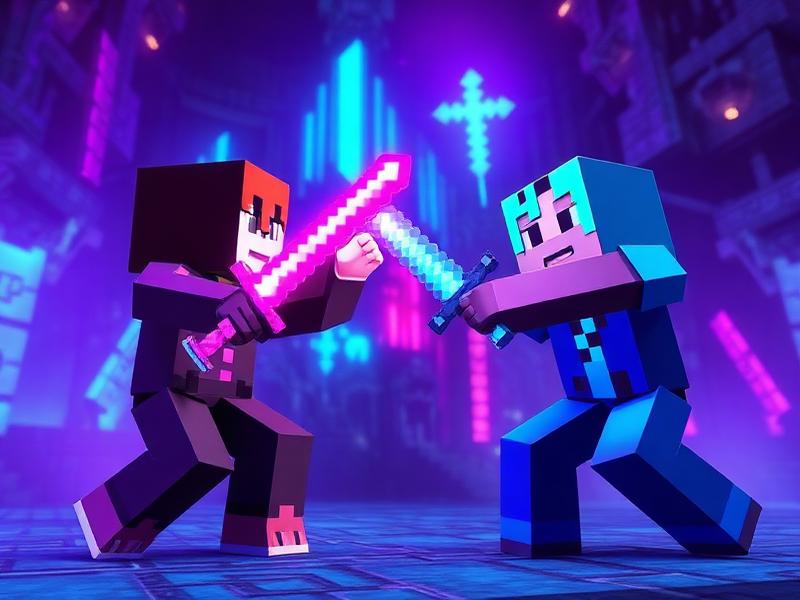
Explore the world of click speed testing through our collection of gaming visuals.




Testimonials
What Our Users Say
Join millions of users who trust our click speed test for accurate results.
"This is the most accurate CPS tester I've used. It helped me improve from 8 to 12 CPS in just two weeks of practice. Highly recommend!"
Alex Gaming
Pro Minecraft Player
"I recommend this tool to all my students. The multiple duration options and instant feedback make it perfect for training sessions."
Sarah K.
Esports Coach
"Clean design, accurate results, and it works perfectly on mobile too. I use it daily for my clicking challenges on stream!"
Mike R.
Content Creator
"Finally a click test that doesn't have annoying ads everywhere. It's fast, free, and gives me exactly what I need. Love it!"
Emily Chen
Casual Gamer
FAQ's
Frequently Asked Questions
Got questions about click speed testing? Find answers to the most common questions below.
What is a Click Speed Test?
It is an online tool that measures how fast you can click within a given time.
How does a Click Speed Test calculate CPS?
It divides your total clicks by the number of seconds to show your clicks per second.
Why is a Click Speed Test important?
It helps improve reaction time, hand accuracy, and gaming performance.
What timer options are available in a Click Speed Test?
Common timers include 1-second, 5-second, 10-second, and 60-second modes.
Is a higher score better in a Click Speed Test?
Yes, higher CPS means faster and more efficient clicking speed.
Does a Click Speed Test work on mobile?
Yes, it works accurately on both mobile and desktop devices.
Can a Click Speed Test improve gaming skills?
Yes, it boosts speed and reflexes useful for games like Minecraft and FPS titles.
Is the Click Speed Test safe for my mouse?
Yes, normal clicking won’t damage your mouse unless used with extreme force.
What is a good score in a Click Speed Test?
A score of 6–7 CPS is considered good for most users.
Can I increase my CPS using a Click Speed Test?
Yes, consistent practice helps you improve speed and control.
Do advanced techniques help in a Click Speed Test?
Jitter clicking and drag clicking can significantly improve your CPS.
Is the Click Speed Test free to use?
Yes, most tools are completely free and require no sign-up.
Does internet speed affect the Click Speed Test?
No, CPS depends only on your clicking performance.
Can I compete with friends using a Click Speed Test?
Yes, you can compare CPS results by sharing scores or screenshots.
Does the Click Speed Test show accurate results?
Yes, as long as your device and mouse are working properly, results stay accurate.